

- Select an existing image on the canvas.
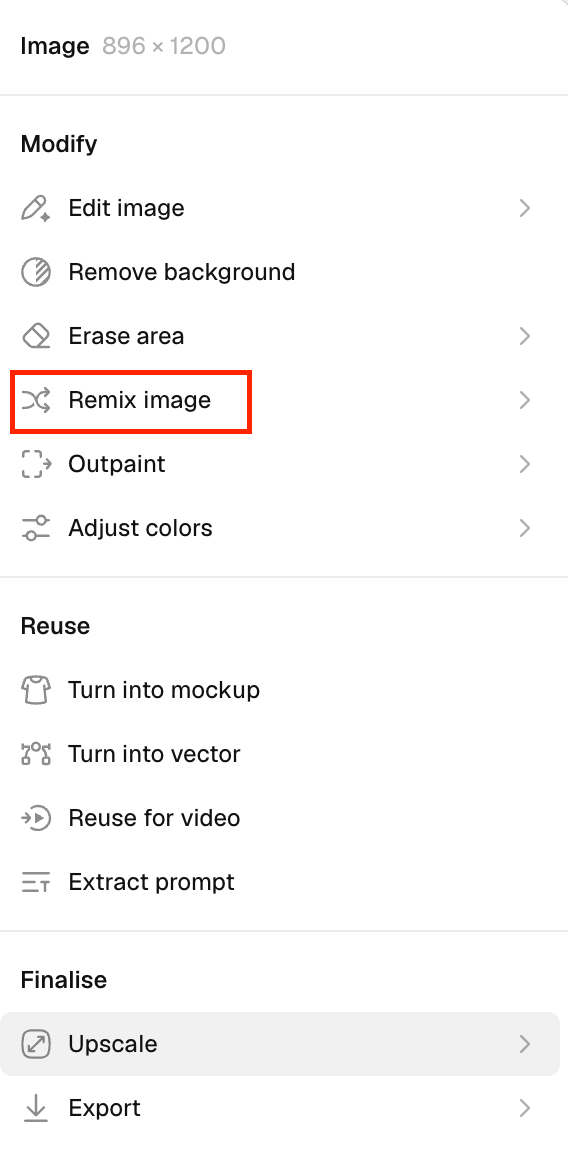
- In the right panel, click Remix image under the Modify group.
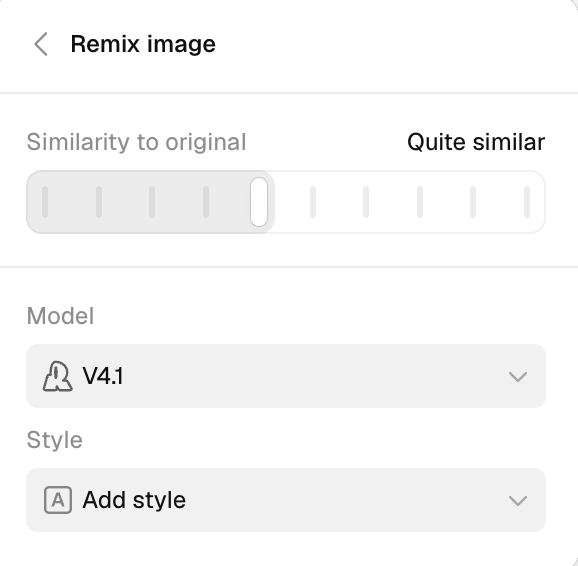
- Adjust similarity to the original
Use the slider at the top to control how closely the new image should match the original. Select the model
Under the Model section, choose the generation model.
- Here, V4 is selected. Choose a style
In the Style section, you can apply a predefined style to the image. - Currently, No styles is selected.
- Click Generate to produce a set of new outputs based on the selected image.